How to Redeem Steal Evolution Codes
Exact in-game steps, failure fixes, and free Like Favorite group rewards when promo strings are scarce.
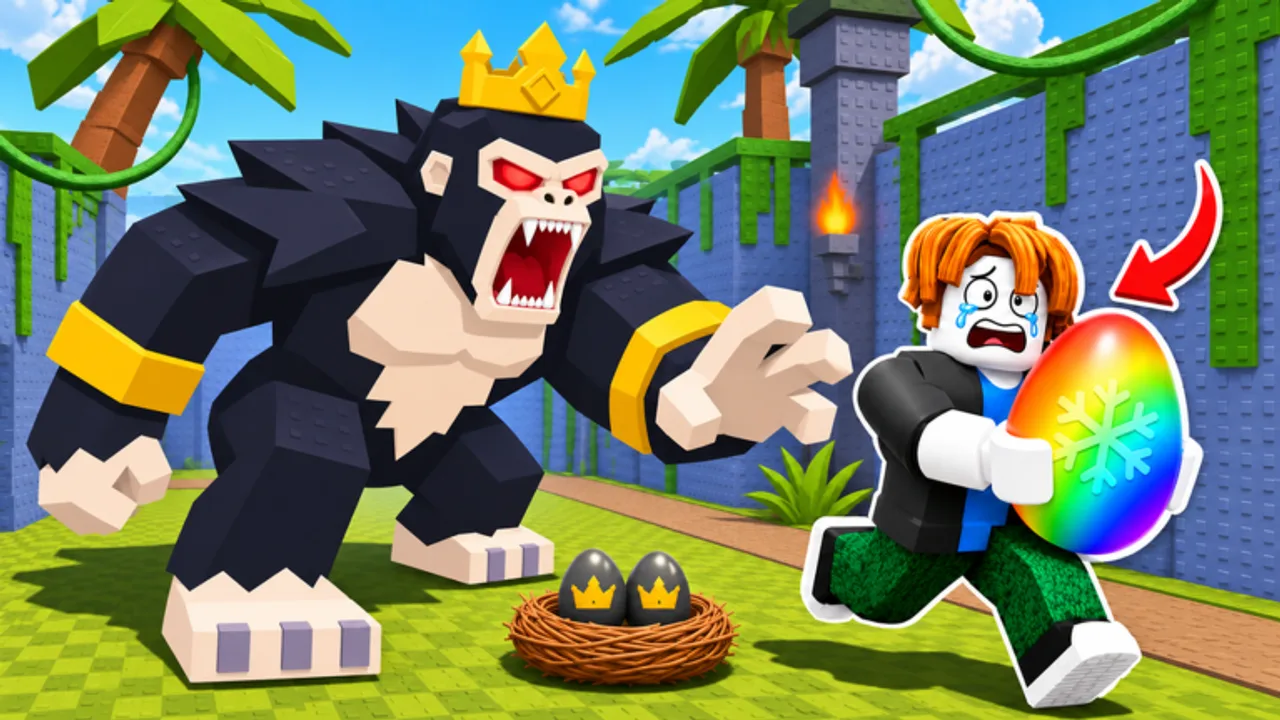
This guide shows how to redeem Steal Evolution codes on Roblox, how to claim free social rewards when no promo string is live, and how to troubleshoot the usual failure messages. Steal Evolution is a simulation and tycoon experience by LOL STUDIO LOL, released 13 November 2026, with servers capped around seven players. Income comes from brainrot-style meme units you steal, place, and evolve — so every successful redemption should funnel straight into better pads and faster contested steals.
Return to the Codes Hub for the live status of confirmed strings. Pair this page with Getting Started after you claim gifts.
Before you open the Codes UI
- Launch Steal Evolution from the official Roblox place (PlaceId 132710340175778, UniverseId 10776373857). Links sit on our Official Links page.
- Wait until your character fully loads into a base and the HUD finishes spawning. Redeeming during the first second of join often fails silently.
- Make sure you are on a normal public server, not a broken teleport or private instance that never finished initializing.
- Keep a notepad ready with the exact code spelling. Spaces, capitalization, and punctuation all matter.
- If the live title shows a weekend banner such as
[2x WEEKEND] Steal Evolution, still use the Codes panel separately — multipliers are not the same as typed promo codes.
Step-by-step: redeem a promo code
1. Find the Codes or Rewards button
On most steal-and-place tycoons, the Codes control sits on the left or right edge of the HUD as a ticket, gift, or “Codes” label. Tap or click it once. If you do not see it immediately, rotate the camera, close other menus (shop, inventory, settings), and check whether a tutorial arrow is covering the button.
2. Open the text field
The Codes panel should show an input box and a redeem or submit button. Click the field so the mobile keyboard or PC caret appears. Do not paste into Roblox chat by mistake — chat will not grant rewards.
3. Enter the code exactly
Paste the string in one motion when possible. Avoid adding a trailing space. If you type by hand, match uppercase and lowercase. Steal Evolution codes, when published, will follow the same exact-match rules as other Roblox promo systems.
4. Confirm and watch for feedback
Press redeem. A success toast usually lists cash, items, or a crate. A failure toast may say invalid, expired, already redeemed, or try again. Read it once before spamming the button.
5. Verify the reward landed
Check cash counters, inventory, and any new crate notifications. If currency updated, spend it with a plan from Early-game tier priorities and Best starter units instead of impulse shop spam.
Free rewards that do not need a code
Until LOL STUDIO LOL publishes confirmed promo strings — and as of November 2026 research there is no widely confirmed public list — prioritize free social gifts:
- Like the experience on the Roblox game page if the HUD tracks Likes for a reward booth.
- Favorite the game so it stays pinned and any Favorite gift unlocks.
- Join group LOL STUDIO LOL (group id 722435904) when membership unlocks a starter pack or cash grant.
- Rejoin the server after each social action so eligibility refreshes.
- Recheck the Codes UI after big patches listed on the Updates Hub.
Never pay a stranger for a “private code file.” Never enter your Roblox password on a lookalike site. Codes are redeemed only inside the live Steal Evolution client.
Troubleshooting failed redemptions
Invalid code
The string is wrong, mistyped, or copied from another game. Recheck spelling against an official source. Do not trust thumbnail text alone.
Expired code
Weekend or milestone codes vanish when the event ends. Remove them from your notes and wait for the next official drop.
Already redeemed
Most codes are one redeem per account. Alts may work only if the developer allows it; many anti-abuse systems still block the same household patterns.
Nothing happens when I press redeem
Close the panel, reopen it, and ensure you still have network connection. Rejoin once. If the entire HUD is missing, the place may still be loading — wait, then retry.
Reward missing after success toast
Rejoin once. Check whether the gift was a temporary multiplier rather than permanent cash. Temporary buffs still help contested steals described in How to steal units.
Mobile versus PC notes
On mobile, the Codes button can sit under the jump or sprint cluster depending on your control layout. Open Controls if your thumbs keep hitting the wrong HUD element. On PC, use a single mouse click on the Codes button; avoid binding overlapping keybinds that close the menu as it opens.
After you redeem: spend with intent
Codes and social gifts are accelerators, not a full strategy. Immediately:
- Place or upgrade an income unit on an open pad.
- Improve movement speed so you can contest floor spawns and escape with a carry.
- Learn the steal timing and return path in How to steal units.
- Queue your first evolution using How evolution works.
- Compare unit value on the Character tier list so crates go into high-impact slots.
If you also experiment with community automation, read Safe script usage first — scripts are unrelated to official codes and carry account risk.
Honesty policy for this wiki
We document how to redeem and where to look. We do not invent Steal Evolution promo codes. When a real code is confirmed in-game, it will appear on the Codes Hub with reward notes. Until then, Like, Favorite, join LOL STUDIO LOL, and play the core loop well.
Related links
- Codes Hub — status overview and fake-list warnings
- Getting Started — first-session checklist
- Launch update notes — release context for early rewards
- Official Links — Roblox game and group entry points
Frequently Asked Questions
Quick answers for Steal Evolution players.
Where is the Codes button in Steal Evolution?
Look on the HUD edges for a Codes, gift, or ticket button after you fully load into a server. Close other menus if it is hidden, then open the text field there — not Roblox chat.
Do I need a code to get free rewards?
Not always. Like and Favorite the game and join group LOL STUDIO LOL (722435904) when those actions grant in-experience gifts, then rejoin to refresh.
Why does my code say invalid?
The string may be mistyped, expired, already used, or copied from another game. Match capitalization exactly and only trust codes you can verify yourself in-game.
Can I redeem the same code on multiple accounts?
Most Roblox promo codes allow one redeem per account. Extra accounts are not guaranteed and may still hit anti-abuse limits.
Are codes the same as the 2x weekend banner?
No. A title like [2x WEEKEND] Steal Evolution is a scheduled multiplier. Typed promo codes are separate strings entered in the Codes UI.